
Victory Shield
Covenant EyesLifestyle
4.43.76K Reviews
- Version
- 7.4.3
- Installs
- 500.00K
- Age Rating
- Everyone
Screenshots
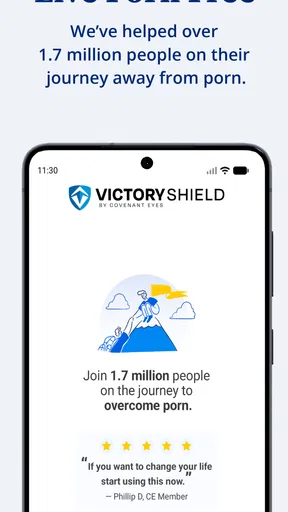
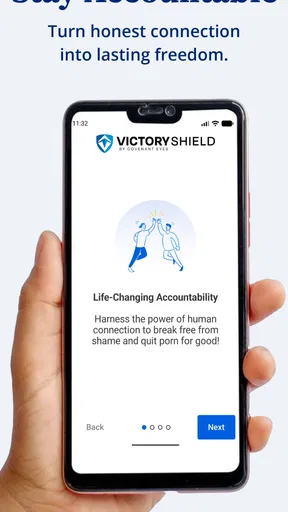
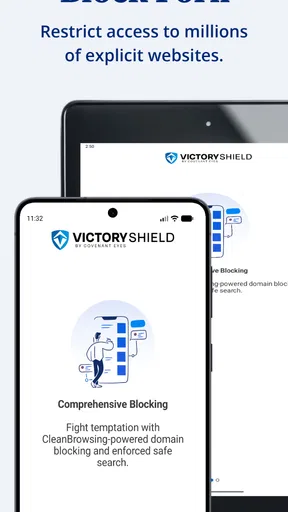
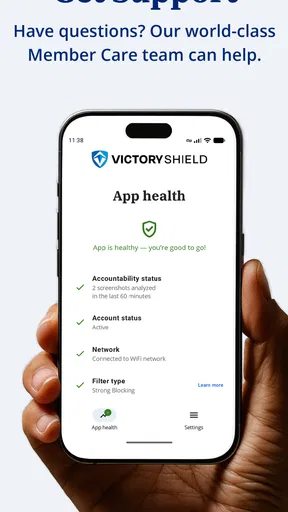
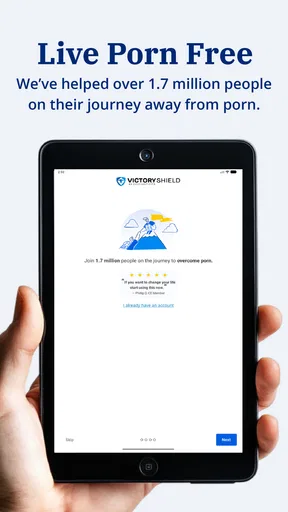
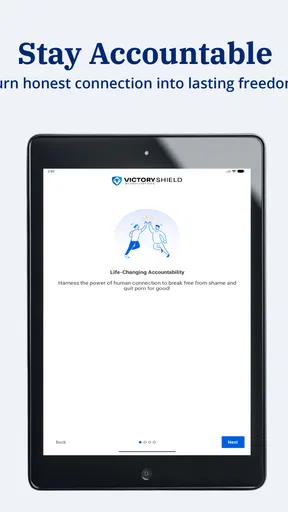
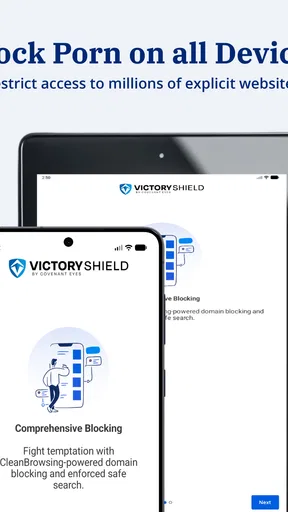
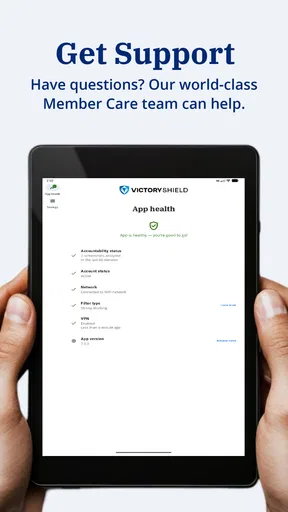
Our Review of Victory Shield
 Analysis by Appyee
When I first looked at Victory Shield, I expected a straightforward focus tool, but the detail that matters most is its account requirement: this app is for people using a Victory by Covenant Eyes account, not a general-purpose productivity timer for anyone who wants to block a few distractions. That distinction is worth knowing before you install it. If you already use Victory, the Android app can be part of that setup; if you do not, I would first decide whether the wider service fits what you need.
What to expect from this particular app
Victory Shield is a free Lifestyle app from Covenant Eyes, with a 4.5 average from around 12,000 ratings and over 500,000 installs. It is rated for Everyone, though the service and its account setup are aimed at people who have a specific reason to use Victory. The app has been available since February 24, 2012, and version 7.2.3 requires Android 11 or later. In-app purchases range from $18.99 to $899.99 per item, so I would check the account and purchase details before assuming that installing the app alone gives you everything you need.
The practical way to think about it is as an Android companion to an existing account, rather than a standalone digital-wellness app. That changes how I would judge it. A casual user looking only for a customizable timer may be better served by a simple focus app; someone who wants to use Victory on an Android device has a clearer reason to start here. Its value depends on whether the account-based approach matches your goal, not on how many unrelated productivity features it can offer.
A calmer first setup
Before installing, I would make sure I can sign in to the Victory account I intend to use. That small check can prevent the most frustrating first-run experience: opening an app that relies on an account and then having to stop to sort out access. If you are helping a family member set it up, agree first on whose account and device are involved, and keep the login details private rather than passing them around casually.
Once you open the app, take a moment to read each screen rather than tapping through on autopilot. Account-based tools often make more sense when the user understands what they are joining and what role the device plays. I would also check that the Android device is running a compatible system version before troubleshooting an installation problem. These are simple steps, but they make the difference between a deliberate setup and a confusing one.
My first useful milestone would not be changing every option at once. I would sign in, confirm that I am in the intended account, and then inspect the available controls one at a time. That creates a clear baseline: if something behaves unexpectedly later, I can tell whether it followed a setting I changed or was already part of the account’s setup. For a tool connected to personal habits, that is a more reassuring way to begin than treating setup like a race.
Finding the first meaningful success
A realistic first use might be a student getting ready to study at home. Rather than opening the app and hoping it will somehow create concentration, the student can first decide what a successful session looks like: for example, keeping the phone from becoming an easy route into a distracting habit while working through a planned task. The important step is to connect the app to an intention the user has chosen, not to expect software to supply motivation by itself.
I would test the arrangement during a low-stakes period before relying on it for an important deadline. That gives you room to notice whether the account is connected as expected and whether the setup fits the way you actually use the device. If you share the device or depend on it for essential communication, think through those needs before applying restrictions. A useful boundary should support the day, not create a new problem when you need your phone for something legitimate.
For a first success, keep the goal modest: complete one planned activity with fewer unplanned detours, then review whether the app’s role felt helpful. This is more informative than trying to overhaul every digital habit in one sitting. It also gives a new user a concrete answer to the question, “Is this setup working for me?”—one grounded in a real routine rather than in a feature list.
Where confusion can creep in
The clearest source of confusion is expecting Victory Shield to work like an independent blocker that can be picked up and configured without any connection to Victory. The account context is central, so a person who has not used the wider service should establish what account access and purchase arrangements apply before building a routine around the app. The listed in-app purchase range is broad; I would not treat the word “free” as a guarantee that every part of the overall service is free.
Another point to keep in mind is that an app can support a personal commitment, but it cannot decide whether the commitment is realistic or resolve disagreements between people who share a device. If a parent is considering it for a child, I would make the expectations explicit and age-appropriate instead of relying on restrictions alone. The Everyone content rating describes the app’s audience rating; it does not mean every account arrangement or household use case is automatically suitable.
People also sometimes interpret a tool’s presence as proof that they have solved distraction. I would treat it as one part of a plan: choose a specific situation where help is wanted, set up the account thoughtfully, and check whether the result is useful. If the main issue is unclear priorities, an app cannot choose what deserves attention. If the issue is simply needing a short work-and-break timer, a lightweight timer may involve less setup and be a better fit.
Choosing the right next step
Victory Shield makes the most sense for an existing Victory user who wants to use that account on an Android device and is willing to approach setup with a clear purpose. It is less compelling for someone who wants a standalone task manager, a generic screen-time dashboard, or a timer with no account context. In those cases, a basic focus timer or the device’s built-in controls may be simpler and easier to tailor to a narrow need.
My practical advice is to start with one device and one routine, then decide whether the account-based workflow earns a place in your day. If you are comparing options, compare the actual job you need done: support for your Victory account, broad device-level controls, or a simple session timer are different needs, even when all are described as productivity tools. Choosing by that distinction is more useful than choosing by a long feature checklist.
It is also worth deciding in advance what would count as a reason to keep using it. Perhaps you want a consistent way to bring your Victory setup onto Android; perhaps you are evaluating whether this approach feels manageable for your household. A short, intentional trial around that specific need gives you a fairer basis for judgment than installing it without a plan and waiting for a dramatic change.
Hey there! So, I recently got my hands on Victory Shield, and I've been diving into it on both Android and iOS. Let me tell you, it’s been quite the ride. If you’re into apps that promise to boost your productivity and keep you focused, you might want to stick around for this one.
Getting Started with Victory Shield
First things first, downloading and setting up Victory Shield was a breeze. It's available on both Android and iOS, and you can easily find it on the respective app stores. Once installed, the app greets you with a clean and intuitive interface. No clutter, just straight to the point. I appreciate how the developers have kept the design simple yet effective.
As soon as you open the app, you’re prompted to create an account or log in. I opted to create a new account, which was quick and didn’t require any unnecessary details. Just a couple of taps, and I was in.
Features Worth Highlighting
Now, let’s talk about the features. The core of Victory Shield is its ability to block distractions. You can customize it to block specific apps or websites, which is a godsend if you’re like me and get distracted by social media. The app also offers a focus timer, allowing you to set work sessions followed by breaks—a method akin to the Pomodoro Technique.
One feature I found particularly interesting is the "Goal Setting" option. Victory Shield allows you to set daily or weekly goals, and it keeps track of your progress. It’s like having a personal coach in your pocket, motivating you to hit those targets.
The app syncs seamlessly across devices. I tested it on my tablet and smartphone, and the transition was smooth. All my settings and progress were updated in real-time, which is perfect for someone who switches between devices often.
User Experience and Performance
Using Victory Shield has been a smooth experience overall. The user interface is responsive, and I didn’t encounter any significant bugs or crashes during my use. The app loads quickly, and the transitions between different sections are fluid.
What I really like is the customization aspect. You have control over which notifications you want to receive and which ones you want to silence. This flexibility ensures you’re not missing out on important alerts while eliminating distractions.
Who’s It For?
Victory Shield seems to be aimed at students, professionals, or anyone looking to enhance their productivity. Whether you’re preparing for exams or trying to meet a project deadline, this app provides the tools to help you stay focused.
Parents might also find it useful for managing their kids’ screen time. The app allows you to set usage limits, making it easier to ensure that the little ones aren’t spending too much time glued to their devices.
Final Thoughts
In conclusion, Victory Shield delivers on its promise to enhance your productivity by minimizing distractions. With its user-friendly interface, robust feature set, and seamless cross-device synchronization, it’s definitely worth checking out if you’re looking to boost your efficiency.
The app’s ability to tailor settings to your specific needs is a major plus, and it's clear that the developers have put a lot of thought into making it as effective as possible. Whether you’re a student, a professional, or a parent, Victory Shield has something to offer.
If you’re ready to take your productivity to the next level, give Victory Shield a try. You might just find that it becomes an essential tool in your daily routine.
Verdict
Strengths of Victory Shield
- Intuitive user interface design.
- Regular updates with new features.
- Efficient performance, minimal lag.
- Comprehensive privacy settings.
- Responsive customer support team.
Limitations of Victory Shield
- Occasional in-app ads.
- Limited offline functionality.
- Requires frequent updates.
- Subscription model can be pricey.
- Some features are paywalled.
Other Releases by Covenant Eyes
View All
Victory by Covenant Eyes
Lifestyle4.6
Similar Picks in This Category
View All
SmartThings
Samsung Electronics Co., Ltd.4.6

Google Home
Google LLC4.0

Pinterest4.2

Astrotalk - Talk to Astrologer
Astrology & Horoscope4.7

My Verizon
Verizon Consumer Group4.5

Samsung Wallet (Samsung Pay)
Samsung Electronics Co., Ltd.4.1
Frequently Asked Questions
What is the main objective of Victory Shield?
Victory Shield is a strategic action game where players must defend their territory against waves of enemies. The primary objective is to build and upgrade defenses, manage resources wisely, and collaborate with team members to ensure the survival and victory of your base. The game combines strategy, action, and cooperation to deliver an engaging experience.
Is Victory Shield available for both Android and iOS devices?
Yes, Victory Shield is available for download on both Android and iOS platforms. The game is optimized to run smoothly on various devices, offering a seamless gaming experience whether you are playing on a smartphone or tablet. Ensure your device meets the minimum requirements before downloading.
Are in-app purchases necessary to progress in Victory Shield?
While Victory Shield is free to download and play, it does offer in-app purchases. These purchases can enhance gameplay by providing additional resources, power-ups, or cosmetic items. However, they are not necessary to progress in the game, as players can earn rewards through regular gameplay and events.
Does Victory Shield require an internet connection to play?
Victory Shield requires a stable internet connection for the best experience, especially for multiplayer modes and events. However, there are certain single-player features and offline modes available, allowing players to enjoy parts of the game without an active connection. Check the game settings for offline play options.
How does the multiplayer mode work in Victory Shield?
In Victory Shield, the multiplayer mode allows players to team up with friends or join alliances with other gamers worldwide. Players can engage in cooperative missions, compete in leaderboards, and participate in special events. Communication and strategy are key, and the game supports in-app chat features to enhance teamwork.
